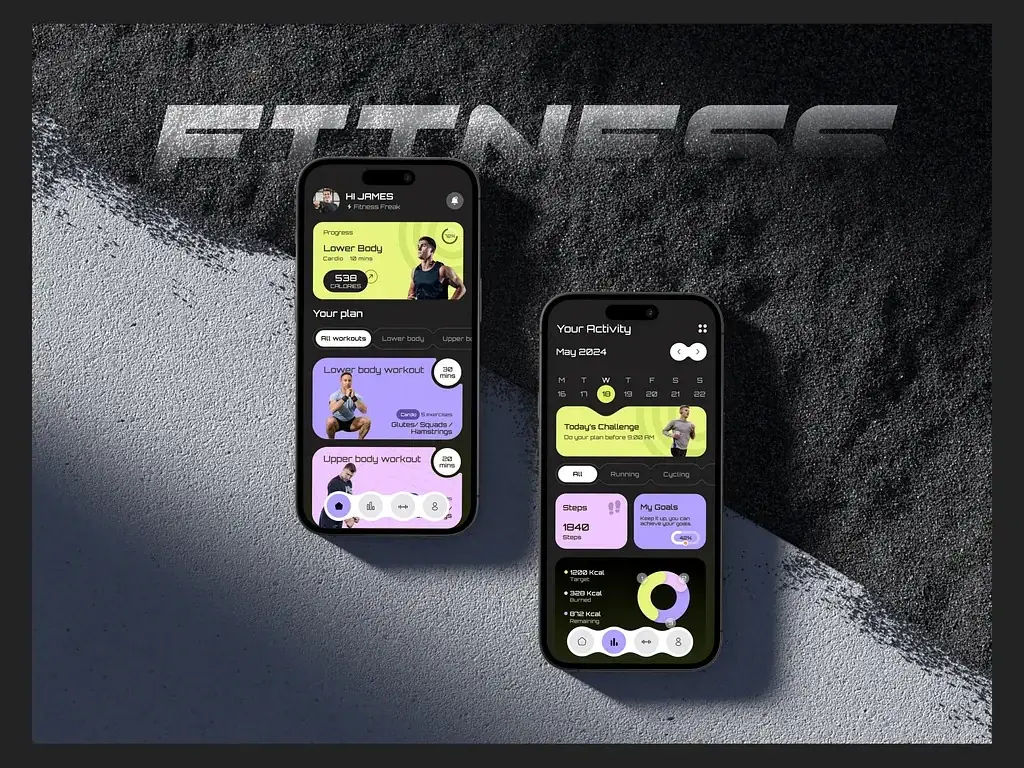
We have shipped over 50 cross-platform mobile applications — FinTech apps, health trackers, real estate platforms, media streaming apps, AI tools. Some in Flutter, some in React Native, a few where we started one and migrated to the other. This is not a theoretical comparison. This is what we have actually experienced building products that live on the App Store and Google Play, used by real people every day.
Why This Question Still Matters in 2025
Every year someone publishes a "Flutter vs React Native is dead" take. Every year both frameworks release major updates, attract more enterprise adoption, and remain the two dominant choices for teams that don't want to maintain separate iOS and Android codebases. The choice still matters — and it matters more than people admit, because switching frameworks mid-project is expensive and switching post-launch is almost always not worth it.
Both frameworks are genuinely good. That's what makes the decision hard. The right choice depends entirely on your product, your team, and your timeline — not on which one has more GitHub stars this month.
How Flutter Actually Performs
Flutter's core architectural advantage is that it doesn't use native UI components. It brings its own rendering engine — Impeller, replacing the older Skia — and draws every pixel itself. This sounds like it would cause performance problems. In practice it does the opposite:
- Consistent 60fps and 120fps rendering — Because Flutter owns the render pipeline, there's no bridge latency between JavaScript and native. Animations run on the GPU and don't stutter when the main thread is busy.
- Pixel-perfect cross-platform UI — Your app looks identical on iOS and Android. For design-heavy products this is a major advantage. You design once, it renders once, it looks the same everywhere.
- Cold start performance — Flutter apps start quickly. The Dart runtime initialises fast and the AOT-compiled code runs natively. We've consistently seen Flutter cold starts under 600ms on mid-range Android devices.
- Memory efficiency — Flutter's widget tree is more memory-efficient than React Native's component tree plus the native bridge in most real-world usage patterns we've profiled.
Where Flutter performance hurts is app bundle size. A minimal Flutter app starts around 5–8MB. For markets where users are sensitive to download sizes — parts of Southeast Asia, Africa, South Asia — this matters and needs to be planned for.
How React Native Actually Performs
React Native went through a major architectural overhaul with the New Architecture — JSI (JavaScript Interface), Fabric renderer, and TurboModules. On projects where we've migrated from the old bridge-based architecture to the new one, the performance improvement is real and noticeable.
- JSI eliminates bridge serialisation — The old architecture serialised all JavaScript-to-native calls through JSON over an async bridge. JSI allows synchronous calls and direct JavaScript-to-native memory sharing. Complex interactions that used to stutter are now smooth.
- Native components render natively — React Native uses actual platform UI components. Your Button looks like an iOS button on iOS and an Android button on Android. For apps where platform-feel is important, this is the right default.
- Smaller initial bundle — A minimal React Native app ships smaller than Flutter. The JavaScript bundle loads at runtime, which means the download size is lower but startup time includes JS parsing.
- Hermes engine improvements — Hermes, Meta's JavaScript engine optimised for React Native, has gotten significantly faster. Startup time on recent Hermes builds rivals Flutter for most app types.
The honest caveat: React Native's New Architecture adoption is not universal yet. Many popular third-party libraries still depend on the old bridge. If your app relies on a library that hasn't migrated, you're either on the old architecture or you're maintaining a fork.
Developer Experience: Where They Diverge
This is where team background matters most. The developer experience of each framework is genuinely different and it affects how fast your team ships.
- If your team knows JavaScript/TypeScript — React Native wins on ramp-up time. Your web developers can contribute to the mobile codebase immediately. You share logic, types, and tooling across web and mobile. For startups with full-stack JavaScript teams, this compounds significantly over time.
- If you're hiring dedicated mobile developers — Flutter's Dart is easy to learn but it's another language to hire for. The Flutter developer pool is smaller than the React Native pool, though it has grown substantially since 2022.
- Hot reload quality — Both frameworks have hot reload. Flutter's is faster and more reliable in our experience. Large React Native projects with complex navigation can have slow reload cycles that interrupt flow.
- Debugging and profiling tools — Flutter DevTools is genuinely excellent. The widget inspector, performance overlay, and memory profiler are best-in-class for cross-platform mobile. React Native's debugging story has improved but still feels more fragmented.
- Third-party ecosystem — React Native's npm ecosystem is larger. More libraries, more integrations, more Stack Overflow answers. Flutter's pub.dev ecosystem is smaller but growing fast, and Flutter's official packages from Google cover most common use cases well.
Real Projects: What We Chose and Why
Here are four real decisions we made on client projects and the reasoning behind each:
- FinTech banking app (TellerOne) — Chose Flutter. The client needed pixel-perfect custom UI that looked premium and consistent on both platforms. Flutter's design control made this straightforward. The team was dedicated mobile developers who learned Dart quickly.
- AI health and nutrition app (Oomph) — Chose React Native. The product required deep integration with HealthKit and Google Health, and the React Native libraries for these were more mature and actively maintained at the time we built it.
- Real estate marketplace (Koor) — Chose Flutter. Heavy use of custom maps, animations, and property gallery views. Flutter's animation system and rendering performance handled this better than our React Native prototypes.
- Live streaming app (PickleJar) — Chose React Native. The client had an existing JavaScript web team who would maintain the app. Sharing types and business logic between the web and mobile codebase saved weeks of development time.
Where Flutter Wins Clearly
There are categories of apps where we now recommend Flutter without hesitation:
- Design-heavy consumer apps — Custom animations, complex UI, brand-specific visual identity. Flutter gives you complete control over every pixel without fighting platform conventions.
- Games and interactive experiences — Flutter's rendering model and Flame game engine make it the right choice for anything involving continuous animation or game-like interactions.
- Apps targeting lower-end Android devices — Flutter's consistent performance on low-end hardware is noticeably better than React Native in our testing. In markets where budget Android devices dominate, this matters.
- Desktop and web from a single codebase — Flutter's multi-platform story — iOS, Android, web, macOS, Windows, Linux from one codebase — is more mature than React Native's. If you need all of these targets, Flutter is the practical choice.
Where React Native Wins Clearly
There are equally clear cases where we recommend React Native:
- Teams with JavaScript expertise — The productivity gain from not switching languages is real. A JavaScript team building in React Native outships a JavaScript team learning Dart in Flutter, at least for the first six months.
- Apps that need to feel native — Navigation patterns, gestures, alerts, date pickers — if your app needs to feel like it belongs on each platform rather than being a consistent cross-platform experience, React Native's native components are the right call.
- Existing web codebase sharing — If you have a React web app and want to share business logic, API clients, state management, and TypeScript types with your mobile app, React Native makes this dramatically easier.
- Complex native module integrations — For apps that need deep integration with platform-specific hardware or APIs — Bluetooth, NFC, ARKit, specific payment SDKs — React Native's larger third-party library ecosystem gives you more to work with.
Performance Benchmarks From Our Apps
These numbers come from profiling sessions on our shipped apps, not synthetic benchmarks:
- App startup time (mid-range Android) — Flutter: 550–720ms average. React Native with Hermes: 680–900ms average. Flutter has a consistent edge here.
- Animation frame rate (complex list with animations) — Flutter: sustained 58–60fps. React Native New Architecture: 55–60fps. React Native Old Architecture: 42–52fps. Both modern versions are competitive.
- App bundle size (production build, no assets) — Flutter: 7.2MB average. React Native: 3.8MB average. React Native ships significantly smaller.
- Memory usage (moderate complexity app, idle) — Flutter: 85–110MB. React Native: 95–130MB. Flutter is slightly more efficient in most of our profiles.
- Build time (clean build, CI) — Flutter: 4–6 minutes. React Native: 6–10 minutes. Flutter builds faster, which compounds over hundreds of CI runs.
The Mistake We See Teams Make Most Often
The most common mistake we see when clients come to us having already started a project: they chose based on hype or personal preference rather than product requirements. We've had to help teams migrate off Flutter mid-project because they needed native feel for a banking app that required strict platform UI compliance. We've had to help teams migrate off React Native because their animation-heavy entertainment app was janky on older devices.
The framework decision should follow the product requirements — not precede them. Before you decide, answer these questions:
- Does your UI need to look and feel completely native to each platform, or does a consistent cross-platform design serve your brand better?
- What does your team already know, and how long can you afford for them to learn something new?
- Which specific native integrations does your app need, and are strong libraries available for them in both frameworks?
- What's your target market's device profile — high-end iOS-heavy, or mixed Android including budget devices?
- Do you have a web product that would benefit from shared code with your mobile app?
Our Current Default Recommendation
If a client comes to us today with a new mobile app and no strong constraints in either direction, here is what we typically recommend: Flutter for consumer-facing apps with custom UI and design requirements, React Native for B2B tools, internal apps, or products where the team has a JavaScript background and web-mobile code sharing is valuable.
Both are production-ready, well-supported, and capable of building excellent apps. The developers who tell you one is categorically better than the other have usually only shipped apps on one of them. We've shipped on both — and the honest answer is it depends.
Not sure which framework is right for your mobile app? Talk to our team — we'll tell you exactly what we'd choose for your specific product and why.